Benefits
WordPress and CMS as a whole provide a much lower barrier to entry compared to developing a website from scratch. The overall structure and editing of websites is done with an intuitive interface and drag-and-drop blocks/elements. This allows people unfamiliar with programming languages to still create professional websites and find success. Using direct CSS and HTML is possible, not necessary to create a visually appealing website with good animations.
WordPress also has a vast library of plugins, most even free, that can be quickly integrated into web projects. This cuts down on development time and costs for industry standard features that already exist everywhere. The plugin library also supports a rating and download system that helps with finding trustworthy and powerful plugins with less risk of security concerns. Most plugins are a simple download and activation in a couple of clicks without any other modifications necessary.
Themes are another powerful benefit to using WordPress and other CMS platforms. Themes are a quick way to change the entire style and feel of a website with only a couple clicks. Themes often come with their own style of blocks elements and brand colors. Its also common for them to allow further customization to fit the needs of your particular website. There is a huge library of themes to discover and, just like plugins, most are even free. Themes make it much easier to quickly change things up on the fly when needed.
Drawbacks
A potential drawback to using WordPress is it can feel more restrictive for experienced developers. It has a very defined system that still has limitations even with customization. Most developers would agree that creating websites from the ground up with pure HTML, CSS, and JavaScript provides the most powerful level of control and customization to a web project. It does require a lot more programming experience, but it can’t be beat if having 100% control is required.
CMS also require constant internet access to view and iterate a web project. Since everything is done in the web browser (for the most part), you always need to be online and connected hoping there isn’t some sort of outage. Compare this to on-device tools like IDE software that can still be accessed and integrated upon at any point since it lives on device. This provides more flexibility during development and, in the event of an outage, lets you simply upload your new changes when your able to get online and connected again.
WordPress can also suffer from performance and compatibility issues at times too. Using either too many plugins or conflicting plugins on a website can lead to degraded performance and make even the fastest website come to a crawl. This can also happen with poorly coded themes as well if they weren’t developed in a way that minimizes code that can bloat the overall package. This also goes hand-in-hand with constant updates to both WordPress and plugins/themes. New updates could break features or compatibility and create a frustrating experience trying to bring a website back online and functional.
Most Difficult Aspect
The most difficult part of WordPress is the plugin system. In my experience, adding plugins can cause fatal errors sometimes when they don’t mix well with other plugins already installed. This has happened even when the plugins don’t seem similar in function at all and wouldn’t even handle similar aspects of a website. At worst it makes the entire website crash and inaccessible until you enter recovery mode to try and resolve plugin conflicts.
-
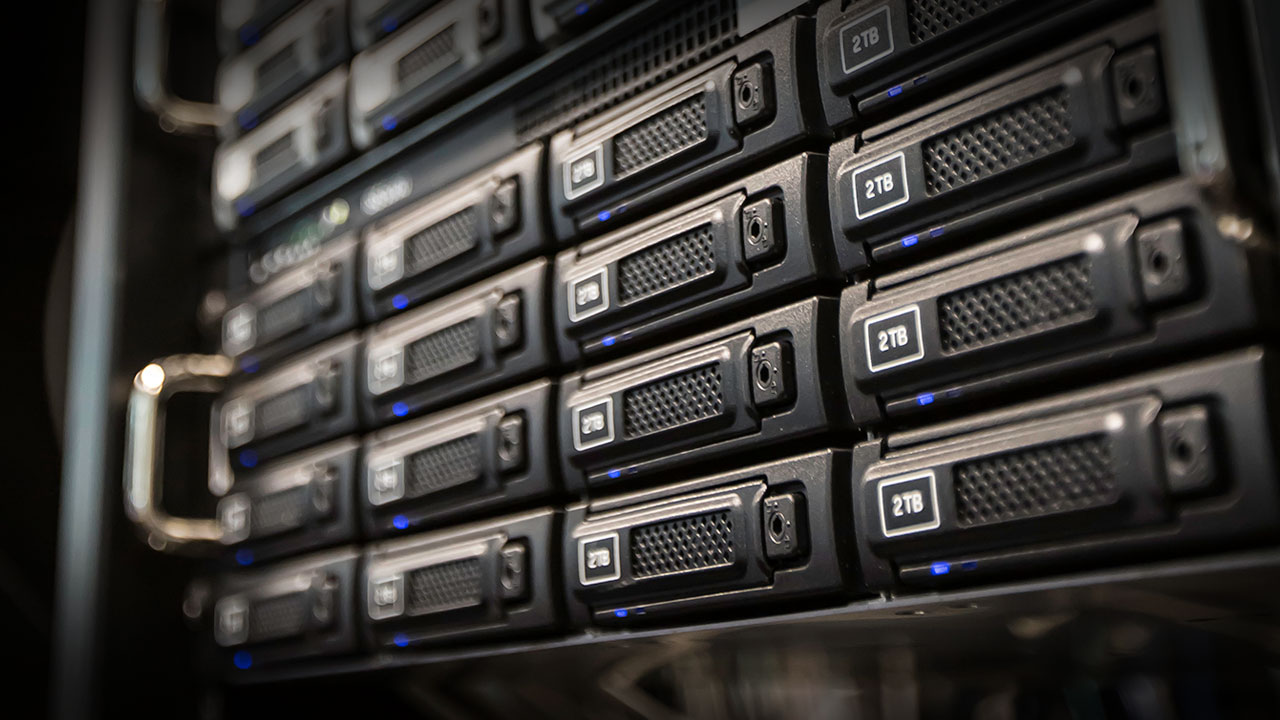
Proper Storage Planning
Backup raw footage to an external hard drive or secondary location after each shoot to prevent data loss. Establish storage habits early to avoid preventable errors.
-
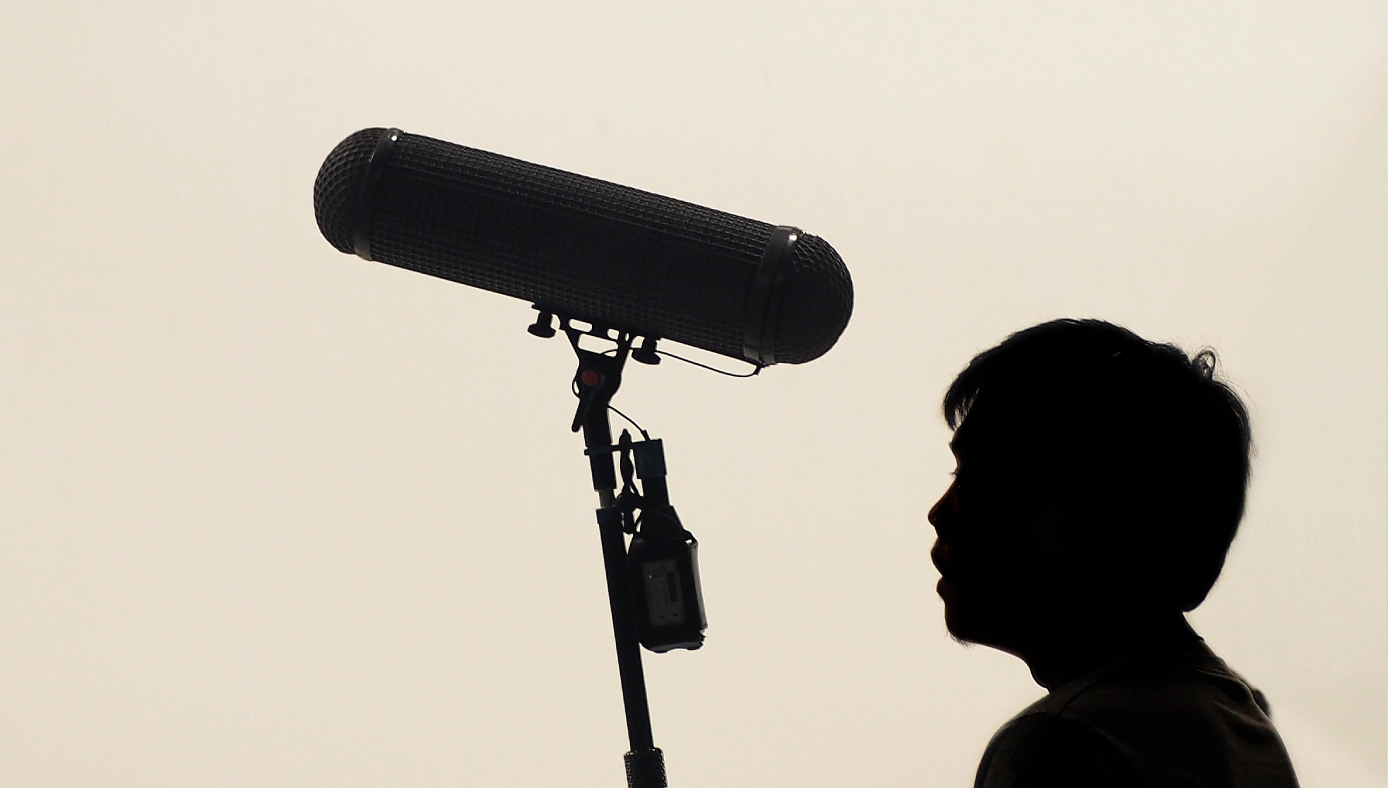
Good Audio Beats Expensive Gear
For beginners, understanding microphone types and placement is crucial for good audio quality. Cardioid mics are ideal for solo dialogue, and placing the mic close to the mouth reduces background noise and enhances voice warmth.

No responses yet