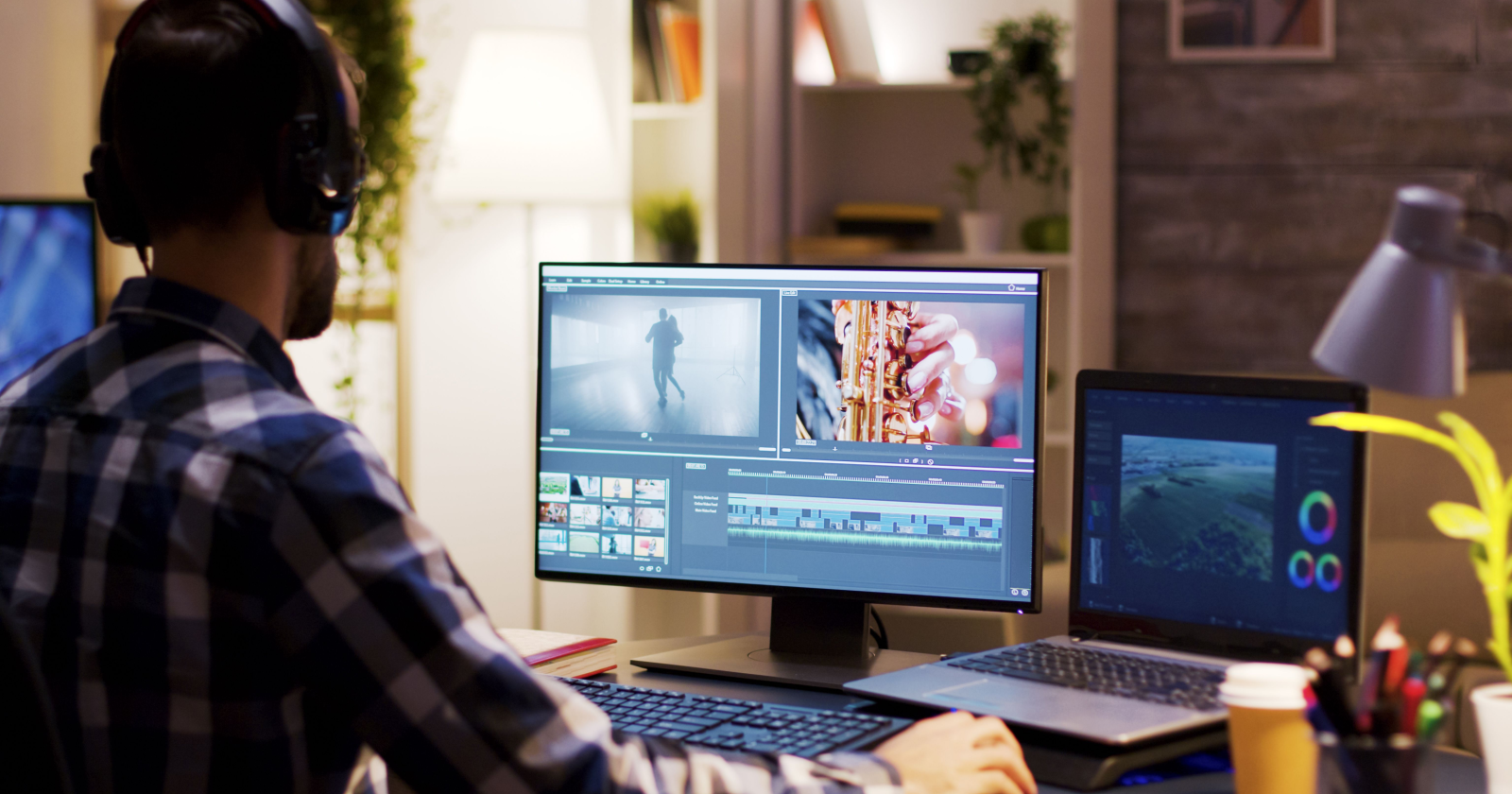
If you’re new to editing, it’s common to assume that professional videos require expensive software and years of experience. However, a few simple skills can make a significant difference. First, you need to remove unnecessary footage that doesn’t contribute to the purpose of your video, even if you like the clip. Second, maintain consistent pacing. Rapid cuts in some scenes and slow cuts in others without a clear purpose can be more jarring rather than be seen as intentional.
Utilizing a few small techniques can instantly enhance the polish of your video. For longer projects, adding chapter markers helps viewers navigate different topic sections and shows the video is organized. Also use consistent visual cues to signal changes in a scene, such as leaving the frame or creating transitions. This helps viewers understand a change is happening without directly calling it out.
With on-screen text, less is often more. A few well-placed words or phrases are more powerful than a cluttered scene of pop-ups and captions.
If footage looks off, such as being too dark or weirdly colored, don’t worry. Don’t assume the footage is lost and needs to be redone. Shooting in a format that preserves image data allows most color issues to be corrected in post. Most smartphone cameras even support these formats (such as RAW). Editing is all about clarity and consistency, not being too flashy. A simple, organized video will often outperform busy ones.
-

Proper Storage Planning
Backup raw footage to an external hard drive or secondary location after each shoot to prevent data loss. Establish storage habits early to avoid preventable errors.
-
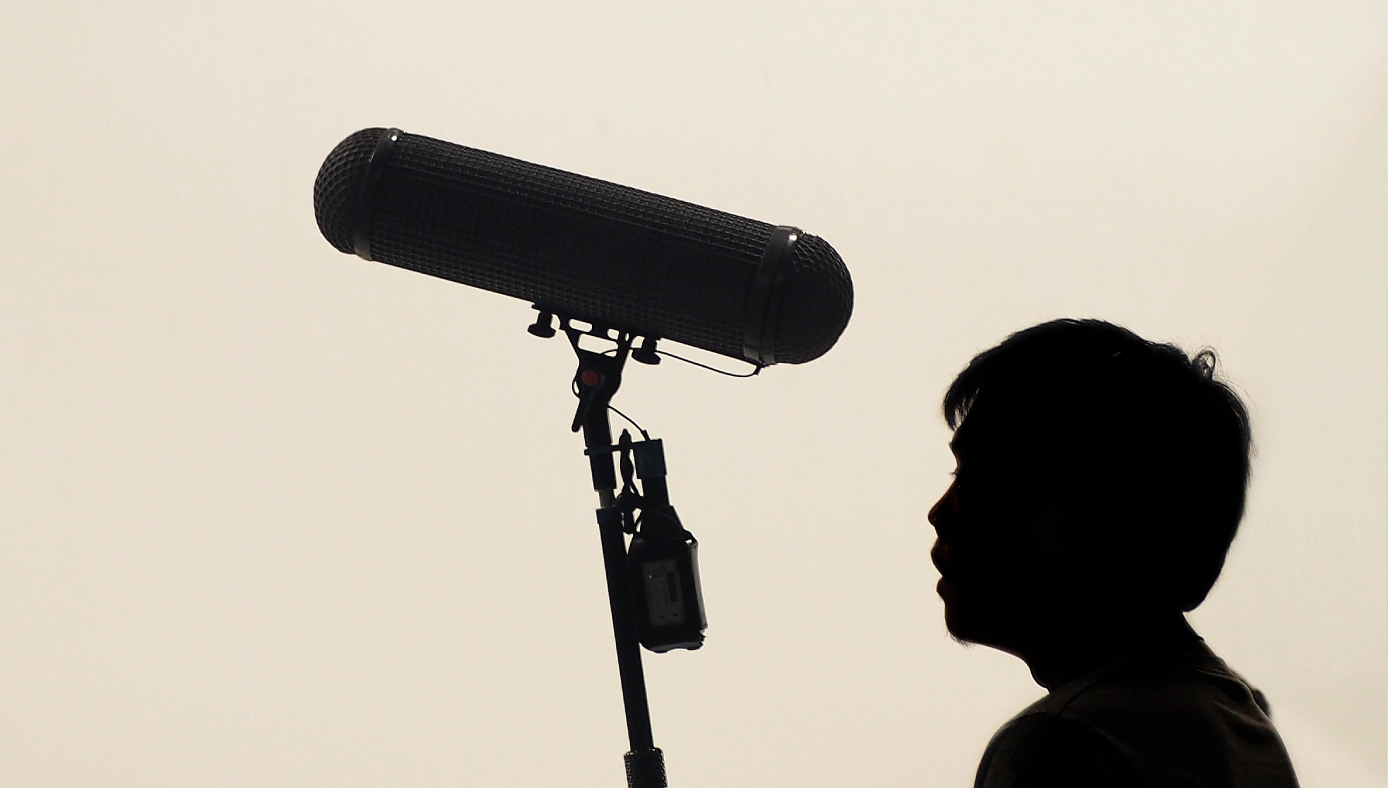
Good Audio Beats Expensive Gear
For beginners, understanding microphone types and placement is crucial for good audio quality. Cardioid mics are ideal for solo dialogue, and placing the mic close to the mouth reduces background noise and enhances voice warmth.

No responses yet